Grab a cuppa, get comfy and have a nosy around :)

Understanding Accessibility

A specialist digital resource making WCAG and inclusive design guidance easier to understand and apply.

Understanding Accessibility is an online resource created by Alaïs de Saint Louvent, Designer and Co-Director at Studio Lutalica. The project is designed to close the usability gap in web design by making digital accessibility guidance clear, practical, and engaging.

In other words: it is inclusive design education that people can actually use to build a more equitable web.

Project Team

Branding, UX + UI Design: Alaïs de Saint Louvent

Development: Lattimore + Friends

Illustrations: Emily Peat

The Challenge

A lot of accessibility content is either too vague to act on or so technical that it becomes intimidating.

Understanding Accessibility needed to be structured around the real way designers and developers work, ensuring people can quickly find guidance relevant to their task, their discipline, and the WCAG 2.2 criteria they are trying to meet.

The project also needed to practice what it preaches, demonstrating our lived-experience-led approach through an accessible brand identity, clear, inclusive UX, and a responsive experience across devices.

What We Did

We engineered the information architecture and UX around expected user needs, dividing and subdividing the site clearly by design area and WCAG focus area.
We implemented accessibility best practices throughout, focusing on clear navigation and straightforward communication.

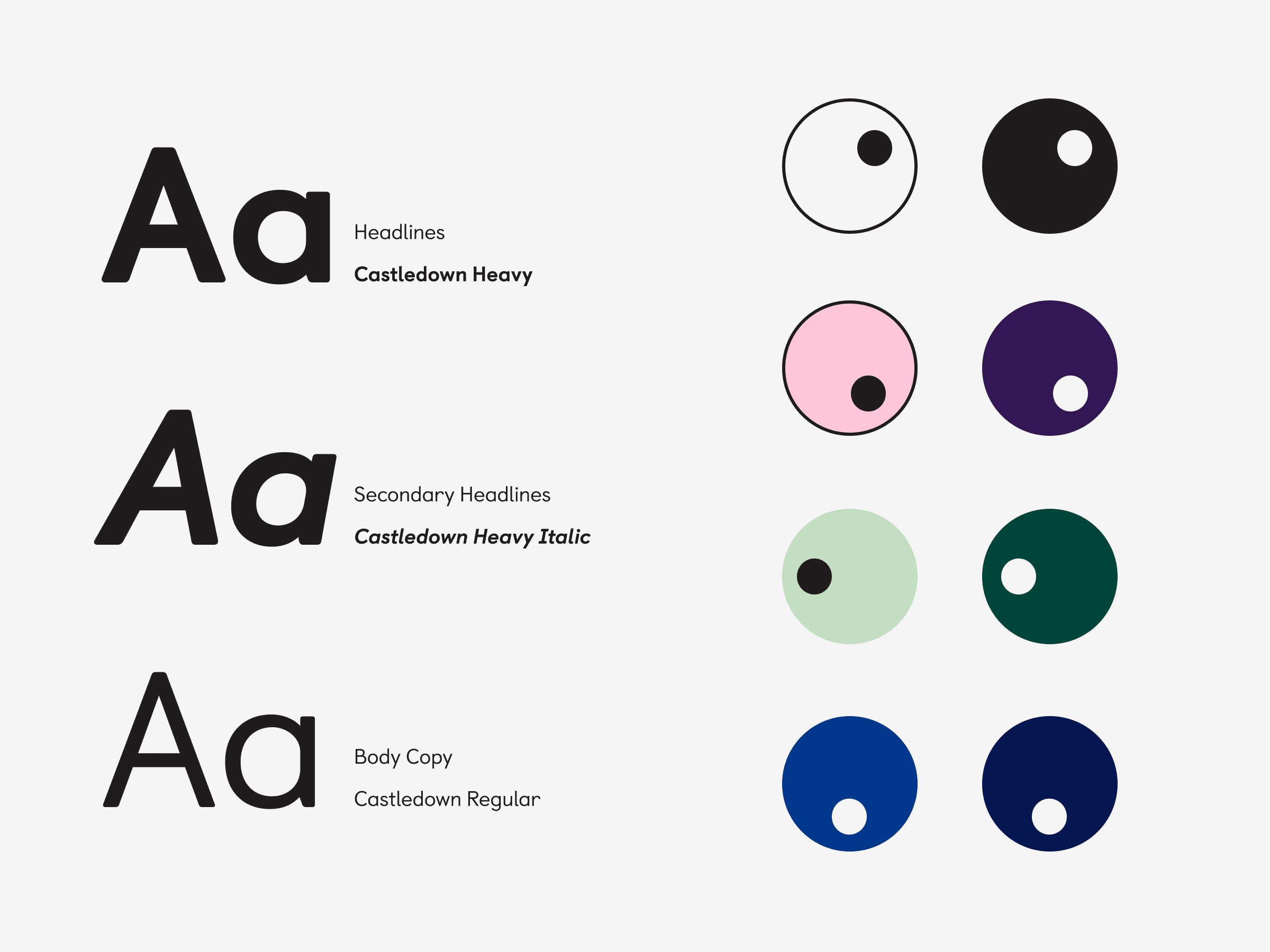
Branding decisions were strictly accessibility-led. We used Castledown by Colophon Foundry, chosen for screen legibility, and carried out specialist research to create a colour palette that avoids problematic combinations for users with ADHD, autism, and colour blindness.

We designed responsive behaviour across mobile and tablet to ensure a performant experience that never treats mobile as a “desktop-first” afterthought.

Impact

Understanding Accessibility empowers designers with a practical tool for building more inclusive digital experiences.

By pairing clear, structured guidance with an accessible interface and identity, the project helps resource the design community, reducing friction for people learning and applying accessibility standards. Ultimately, this platform supports better digital outcomes for all end users and establishes Studio Lutalica as a leader in neuro-inclusive design.

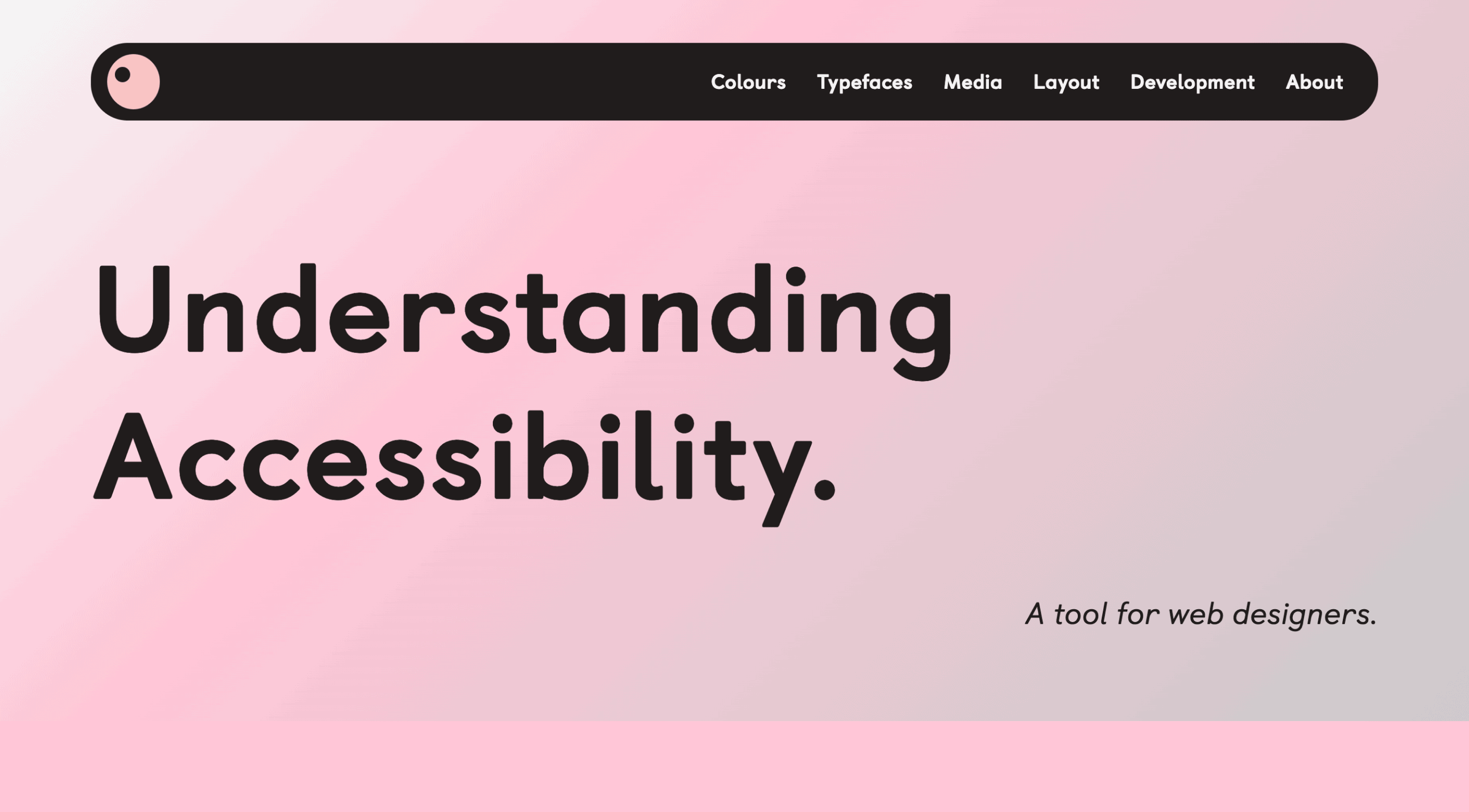
Website interface with pink gradient background, title 'Understanding Accessibility', and top nav links: Colours, Typefaces, Media, Layout, Development, About.
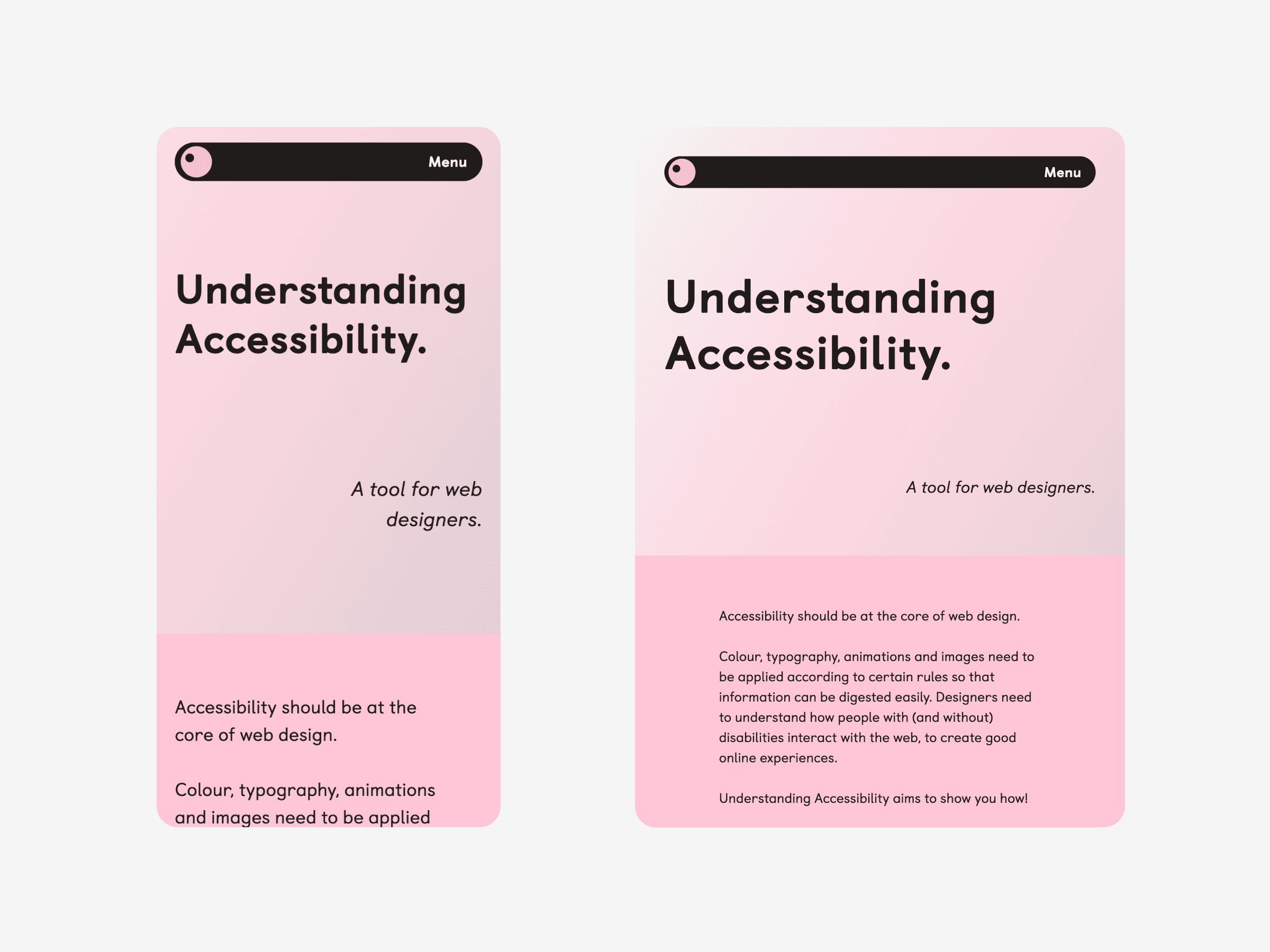
Two pink web design mock-ups titled Understanding Accessibility; mobile on left, tablet on right, both with black Menu button at top.
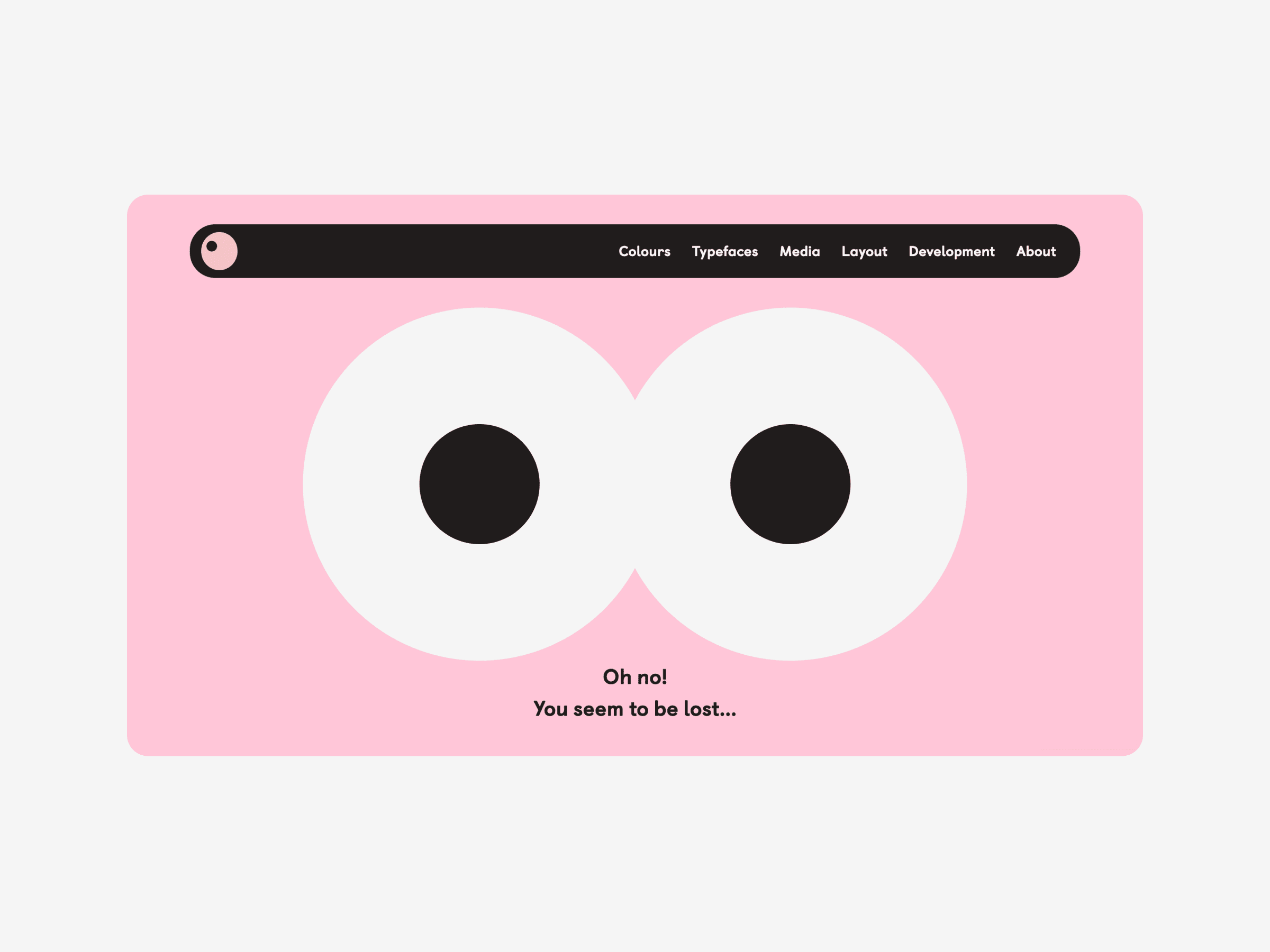
A pink webpage with two big cartoon eyes in the centre, surprised expression. Text reads: Oh no! You seem to be lost... Accessible links at the top.
Font samples for Headlines, Secondary Headlines, and Body Copy on the left; right side shows accessible black, pink, green, blue swatches.
Webpage section titled Mobile, showing two outlined phones to the left and information on mobile screen sizes and accessibility to the right on a blue background.
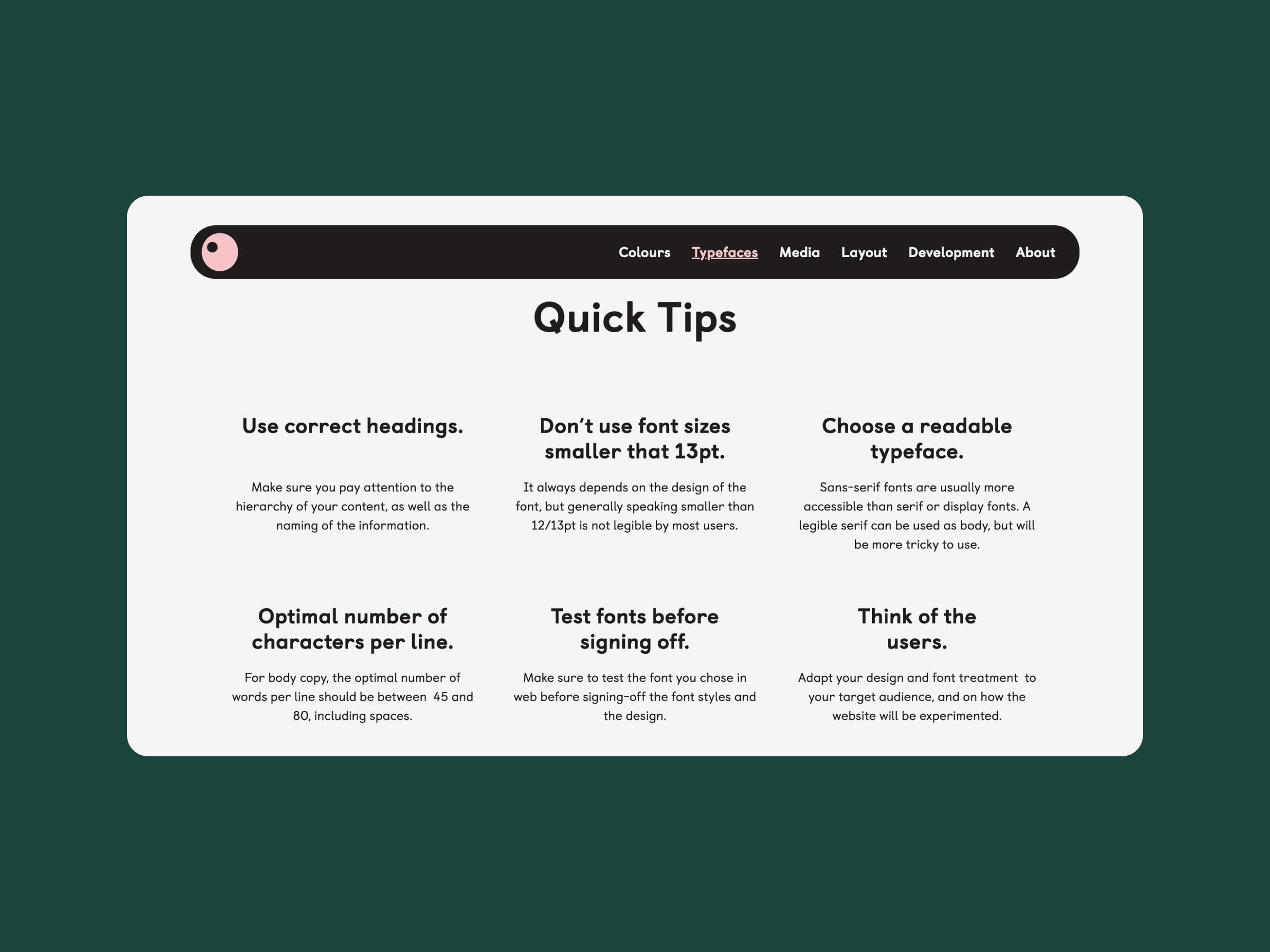
Quick Tips section with advice on headings, fonts, line length, and accessible text; dark nav bar above, blue background behind white card.
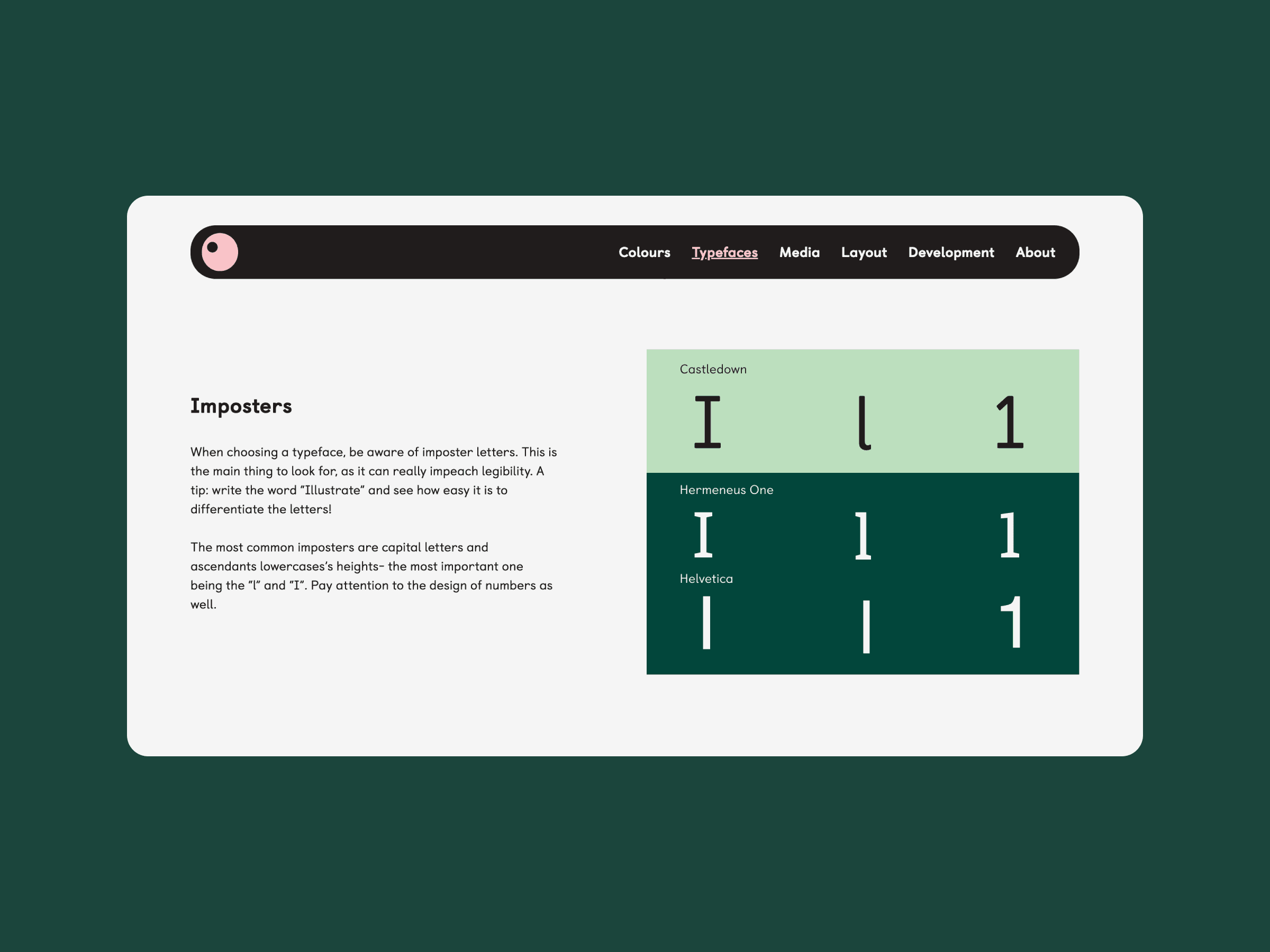
Examples of “I”, “l” and “1” in Castledown and Helvetica fonts, comparing look-alike letters for accessibility awareness.
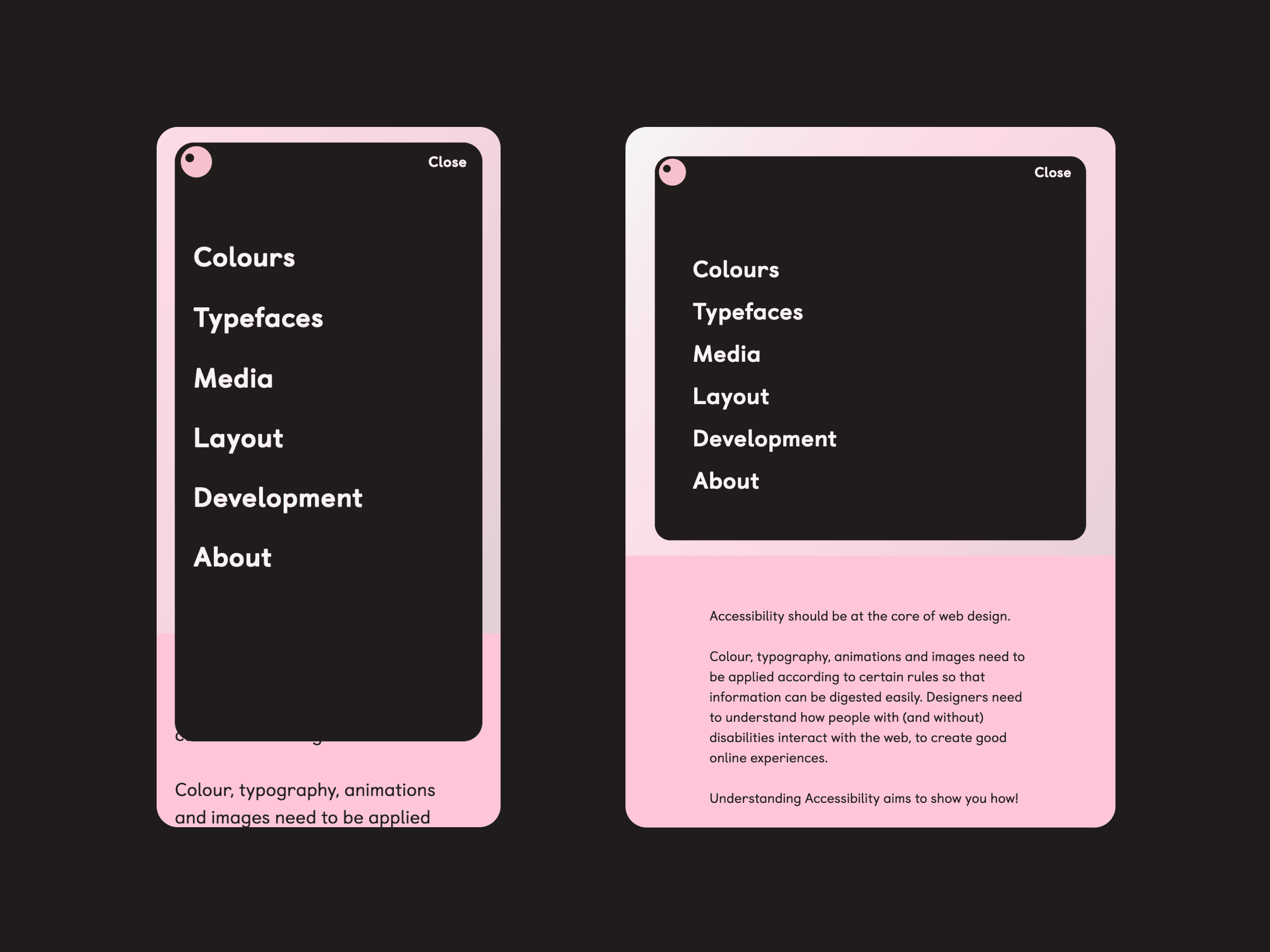
Two black panels with pink borders show a web design menu. The lower text block of the right panel highlights accessibility awareness.
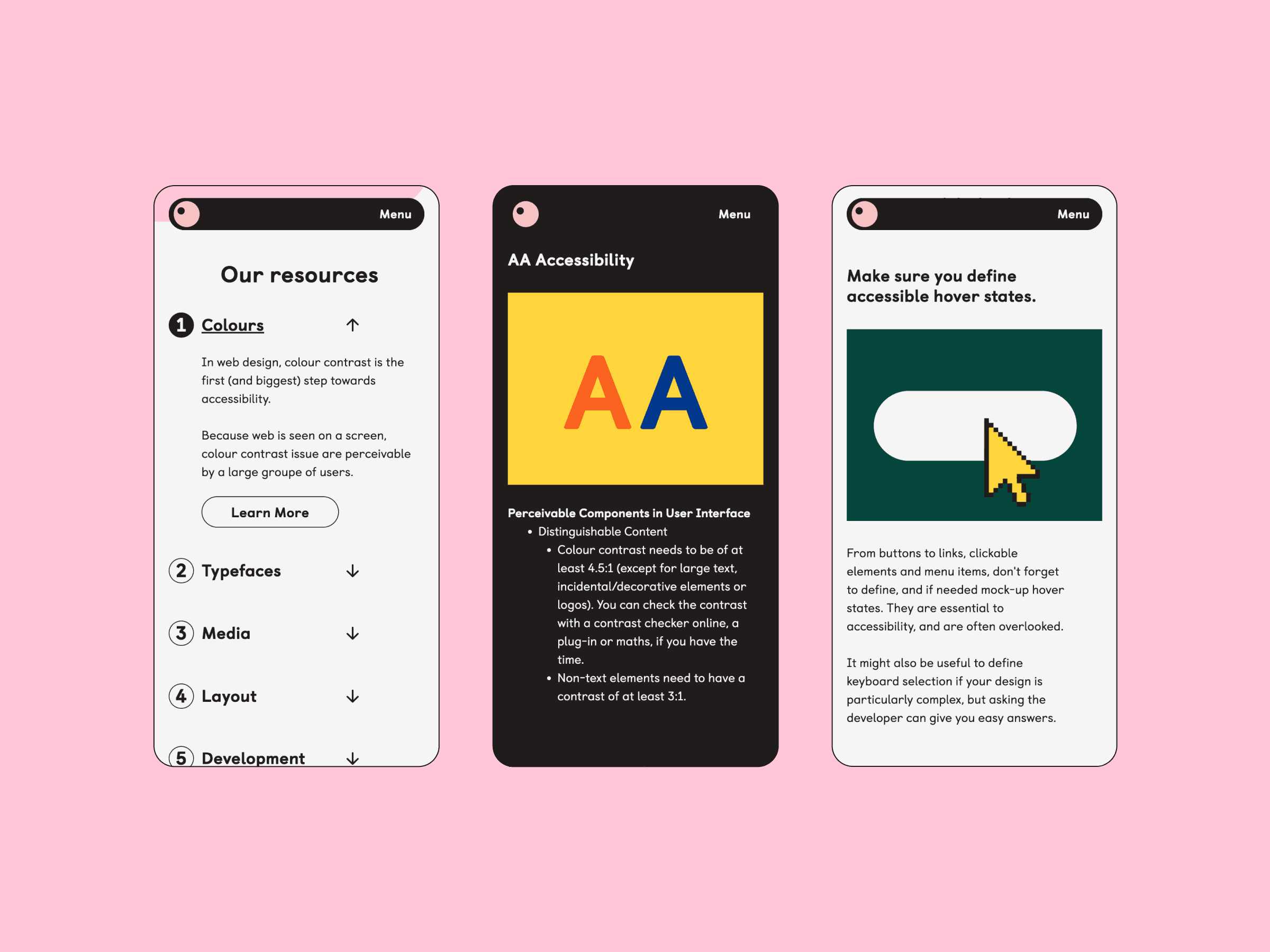
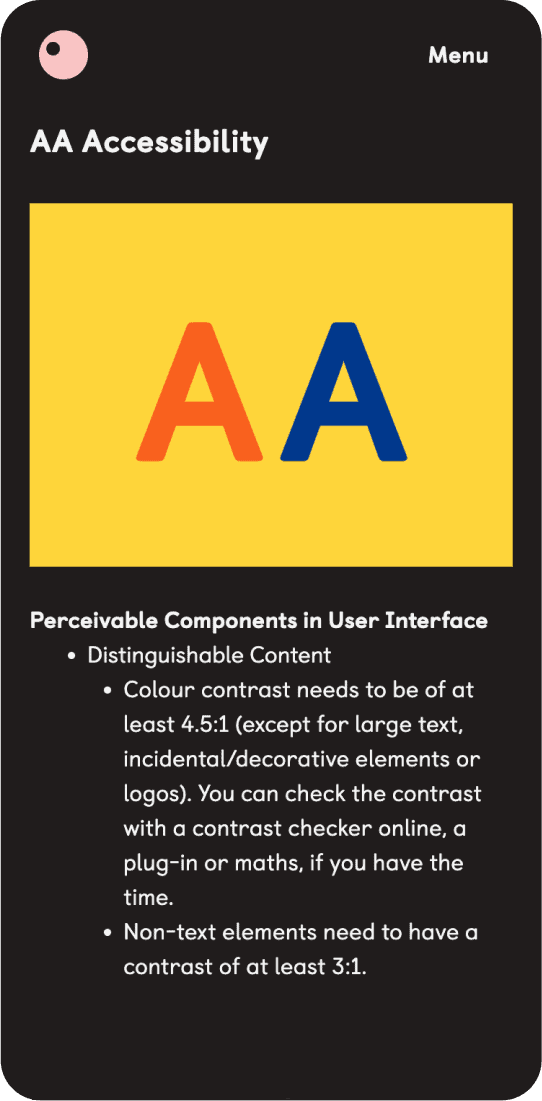
Two phones on pink background: left shows resources menu with Colours and Typography; right shows Accessibility info with bold A icons.
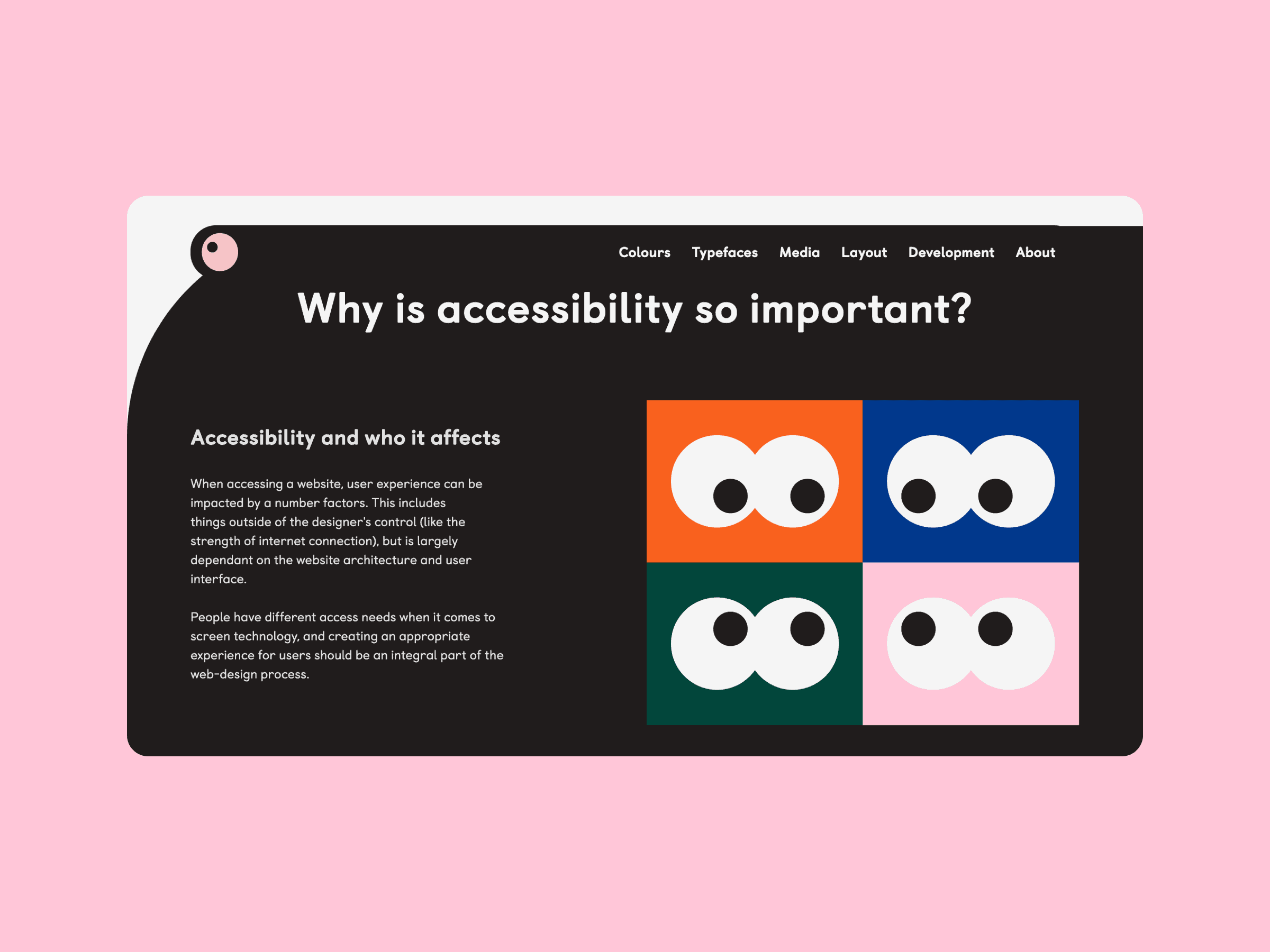
Dark-themed UK web page with "Why is Web Accessibility so important?", short explanation, four colourful eye icons, top menu links.
Two mobile screens: one with colourful cartoon eyes and web accessibility tips, the other showing a yellow cursor on a green button.
Website page with abstract colourful circles and rectangles next to a Learning Disabilities section, description, and accessible buttons.
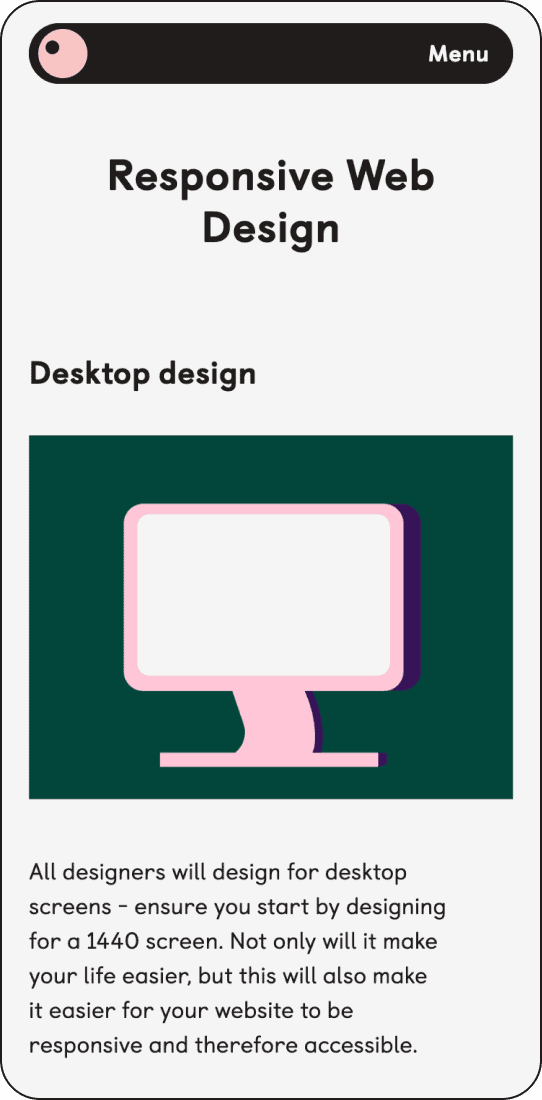
Two mobile screens: left shows learning disability accessibility tips with vibrant icons; right shows web design page with pink monitor icon.